Desktop Fiber Laser Marking Workstation
Class 1 enclosed workstation for batch and single-part marking.
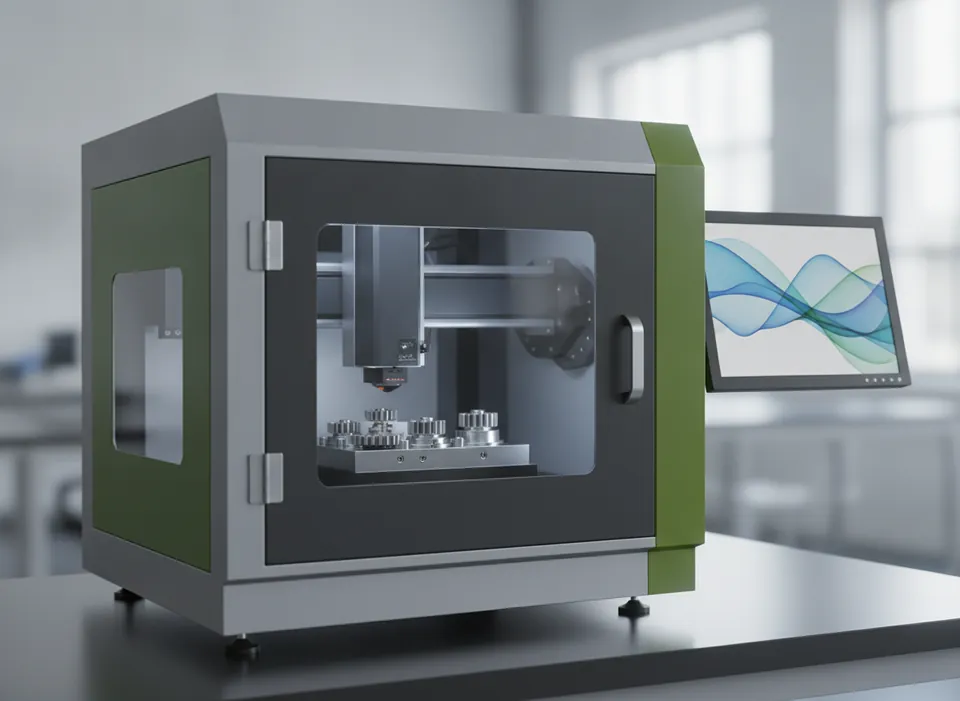
Built around your product
A fully enclosed bench unit for tool rooms, job shops and production cells. The interlocked door, motorised Z-axis and red-light preview make it safe and quick for operators to mark nameplates, tools, medical instruments and electronic housings.
A ytterbium-doped fiber source generates the beam, a pair of galvanometer mirrors steers it across the marking field, and an F-theta lens keeps the spot in focus over the whole area. On moving lines an encoder tracks product speed so the code stays undistorted. MOPA sources add adjustable pulse width, which is what makes black marking on anodised aluminium and colour marking on stainless steel possible.
Key features
- Interlocked door with laser-safe viewing window
- Motorised Z-axis with focus finder
- Optional rotary axis for round parts
- Imports DXF, PLT, AI, BMP and JPG
Process sequence
Detect
A photo-eye or PLC signal tells the controller a part has arrived.
Track
The encoder reports line speed so the scan head can follow the moving surface.
Mark
Galvo mirrors steer the pulsed beam to draw text, logos, 1D and 2D codes.
Extract
Fume extraction removes particulates at the marking point.
Verify
An optional camera reads the code back and rejects any failure.
Machine video
A closer look at a typical fiber laser marking installation. Ask us for a live demonstration of the FL-D20 on your own product.
Specifications
| Model | FL-D20 |
|---|---|
| Laser source | Pulsed ytterbium fiber (20 / 30 / 50 W) |
| Average power | 20 W standard |
| Wavelength | 1064 nm |
| Marking field | 110 × 110 mm (optional 200 × 200 mm) |
| Marking speed | Up to 7,000 mm/s |
| Max line speed | Static marking |
| Cooling | Air |
| Protection rating | Class 1 enclosure |
Typical configuration. Final values depend on your product and are confirmed in the quotation.
Add-ons
- Rotary axis for cylindrical parts
- Class 1 safety enclosure with interlocked door
- Inline code reader with reject output
- Beam-turning unit for side or bottom marking
Suitable materials and packs
Questions
Which materials suit a fiber laser?
What is the difference between Q-switched and MOPA?
Does a fiber laser need consumables?
Get a proposal for this machine
- Application review by an engineer — material, code and line speed
- Trial marking, printing or packing on your own samples
- Quotation with layout, lead time, installation and service
Prefer to talk? Email info@motionworksrobotics.com or call +91 98100 93680.
Ask about this machine
More fiber laser marking machines
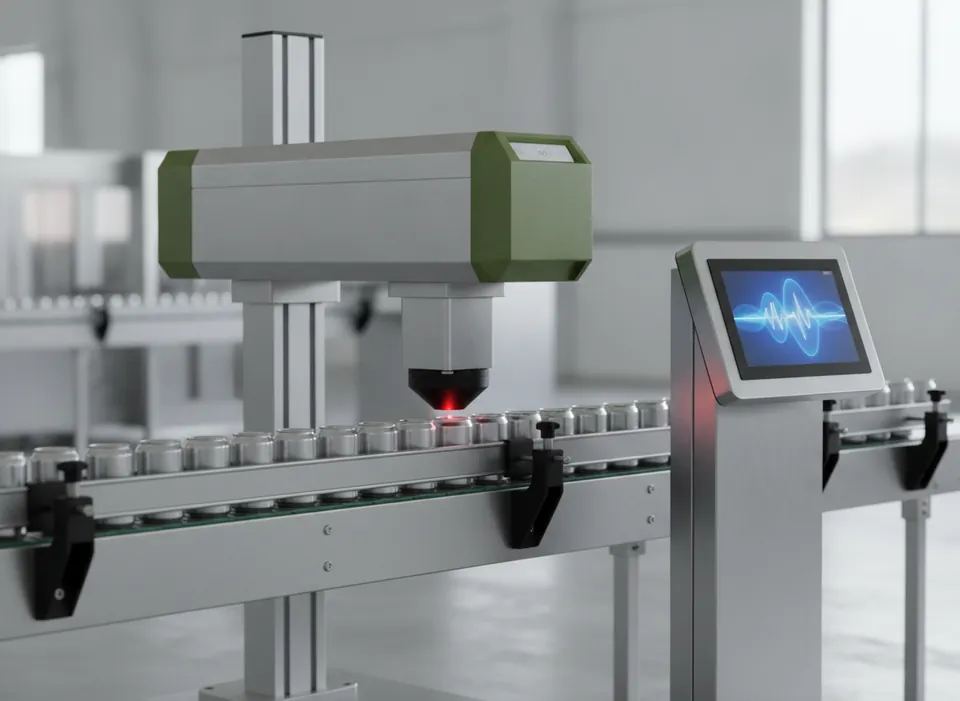
20 W Fiber Laser Coder
Compact on-the-fly fiber laser for date, lot and 2D codes on metal and plastic packs.
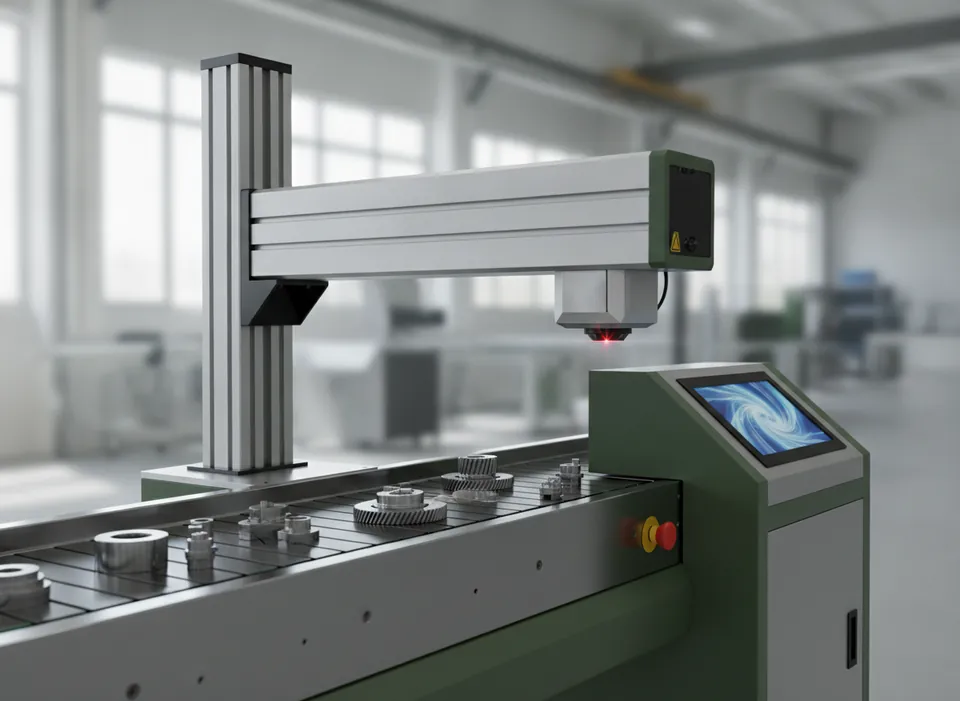
30 W Fiber Laser Coder
Extra pulse energy for faster lines and deeper marks.
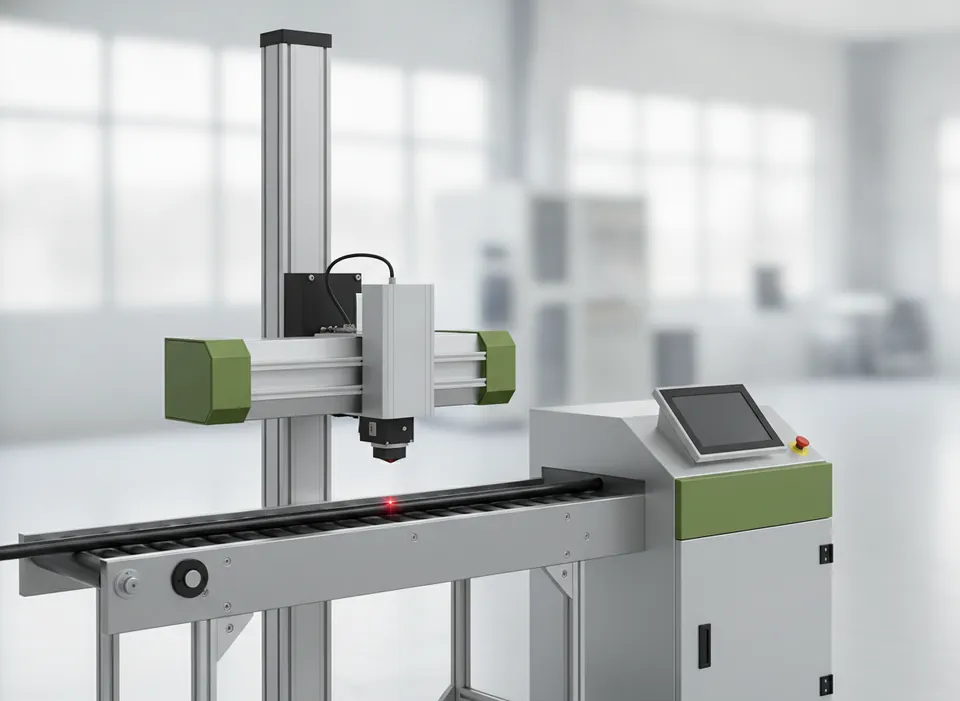
50 W High-Speed Fiber Laser Coder
For can lines, cable extrusion and other high-throughput marking.